What to look for
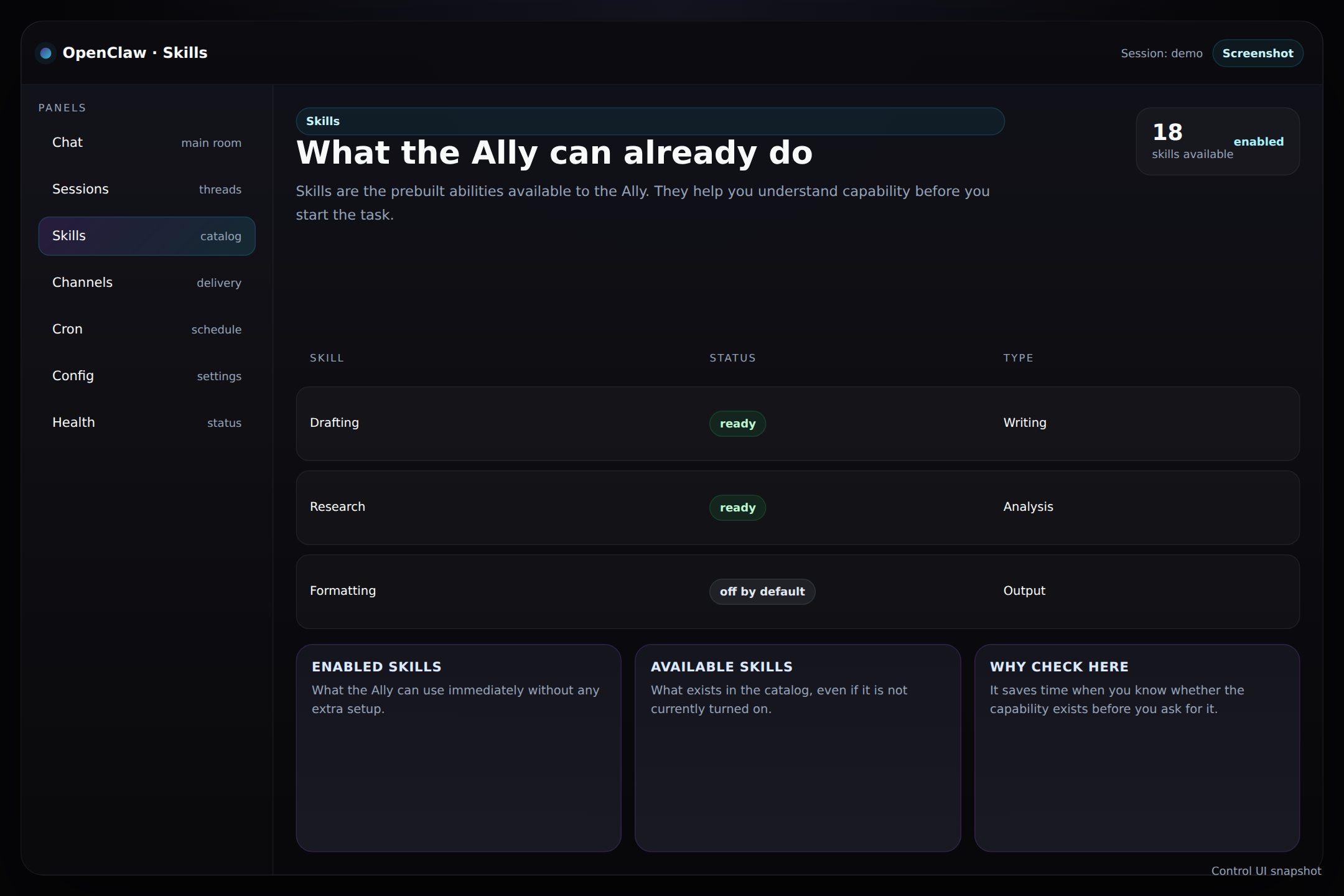
- The catalog tells you which capabilities already exist.
- Enabled skills tell you what the Ally can use right now.
- The panel helps set expectations before you ask for a result.
Think of it like a toolbox
The skills panel shows the tools that are already sitting on the bench and ready to use.
Why it matters
It is easier to ask for the right task when you know what the Ally is built to do.
How to use this panel
If you are unsure whether the Ally can do something, check the Skills panel before you assume it cannot. It is a quick reality check, not a settings screen.
Tip: Skills help you plan the request. Chat helps you execute it. Keep those roles separate.