The split
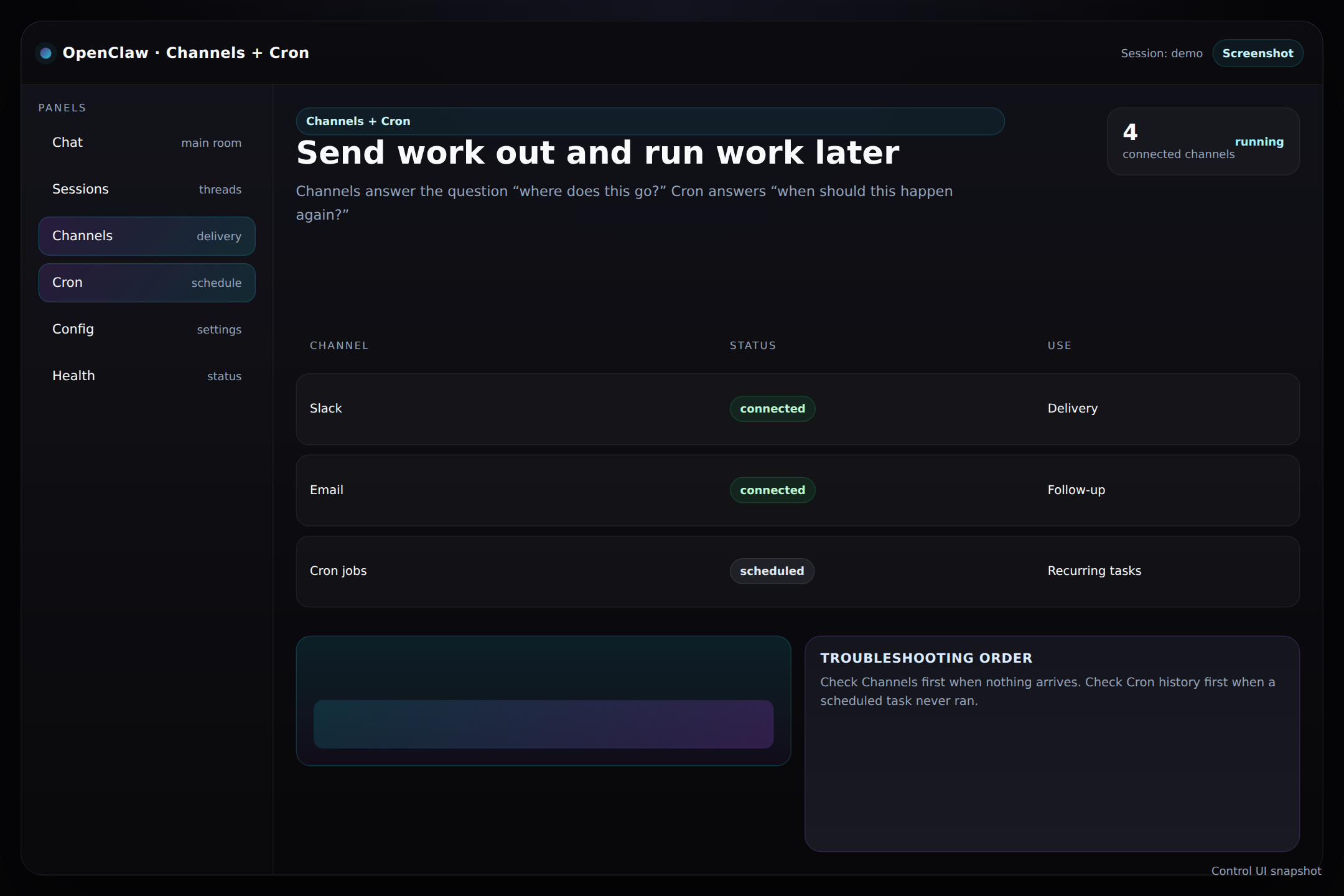
- Channels are for delivery: Slack, email, or other outbound paths.
- Cron jobs are for timing: recurring check-ins, reviews, and scheduled tasks.
- Keep the two ideas separate so you can troubleshoot faster.
Simple rule
Ask “where does this go?” for channels and “when does it run?” for cron.
Why people care
This is how the dashboard turns from a chat tool into an operations tool.
What the screenshot is showing you
The panel should make it obvious which integrations are connected and what recurring jobs are active. If either part is unclear, the system is harder to trust.
Tip: If output is not reaching the right place, start with Channels. If a scheduled task did not run, start with Cron history.