What belongs here
- Configuration settings that affect how the dashboard behaves.
- Status and health information that help you confirm the system is working.
- Checks and fixes you only need when something is broken or changing.
Use sparingly
If you are not sure what a setting does, pause and verify before changing it.
Use often
Health checks are what you glance at when you want confidence the system is still healthy.
How to think about these panels
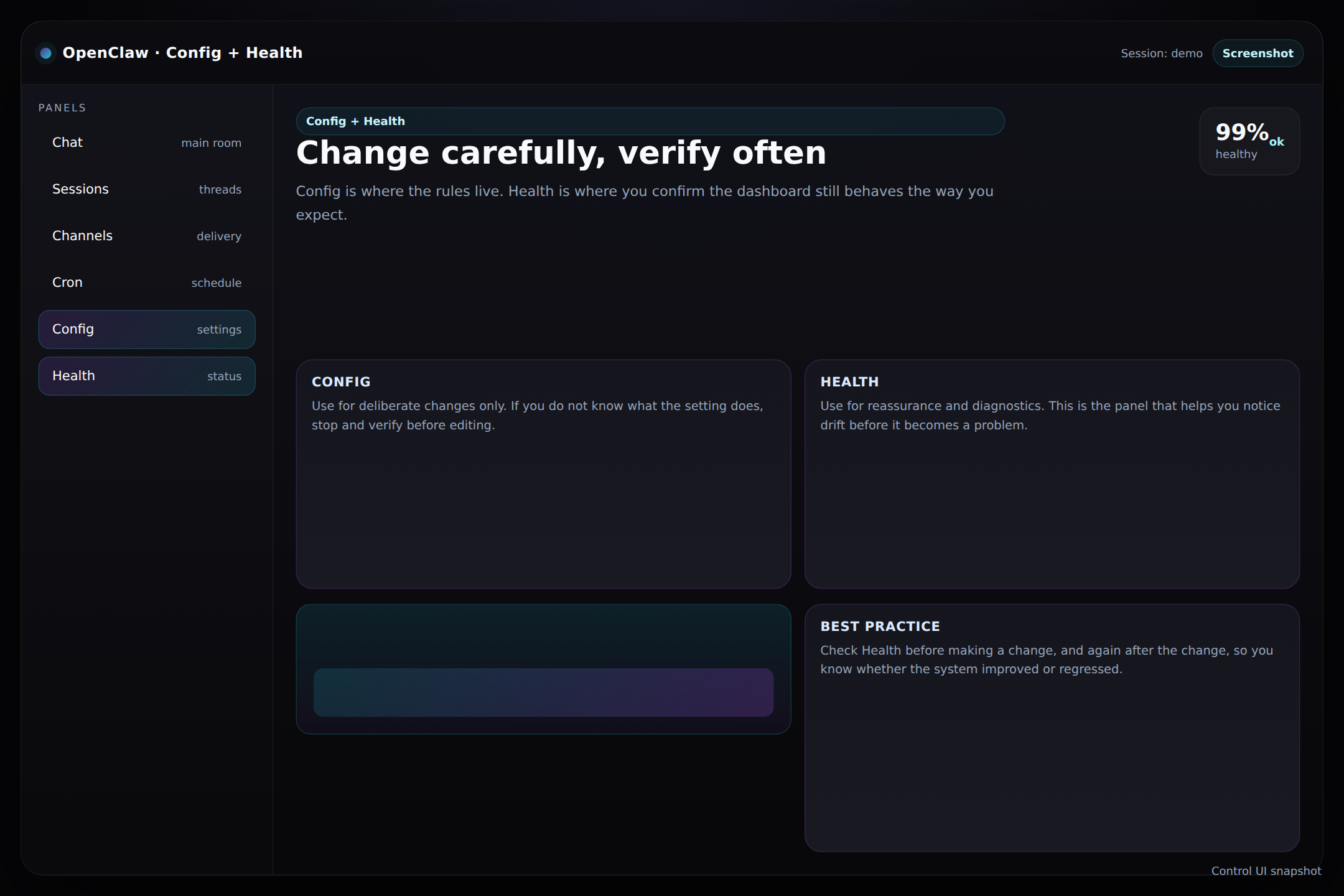
Config is where you change the rules. Health is where you see whether the rules are being followed. That makes the pair useful, but only if you keep the difference clear in your head.
Tip: If you are troubleshooting, check Health first. If you are planning a change, review Config first.