Why it matters
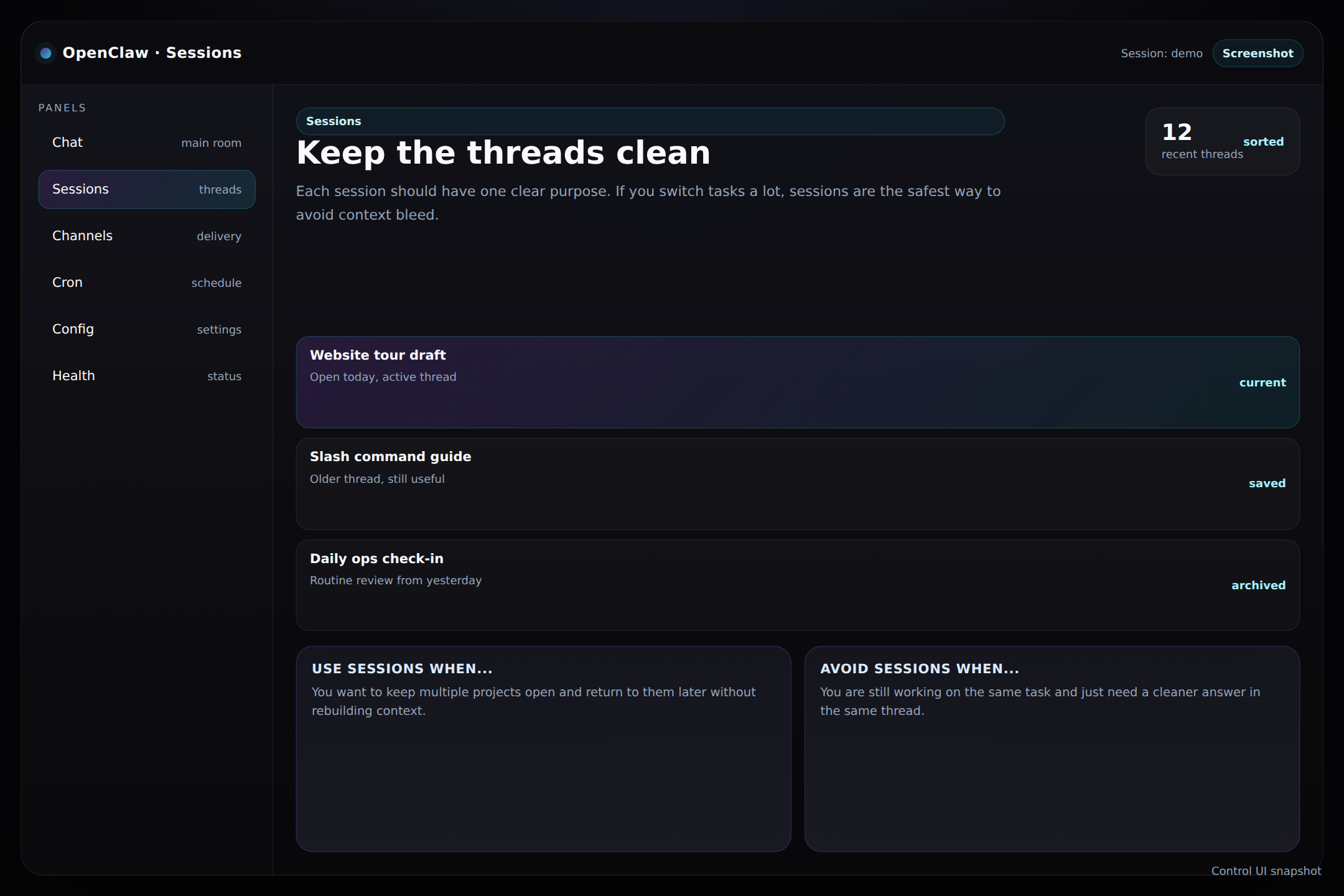
A good session system saves time because it keeps each thread organized. If you jump between topics a lot, sessions are the difference between clarity and chaos.
- Use one session per task or project whenever possible.
- Switch sessions instead of piling unrelated work into one long conversation.
- Come back later when you need the original context and the original wording.
Think of it like tabs
Each session is a separate workspace tab. The title may look similar, but the context stays isolated.
Best practice
When a new task starts, ask yourself whether it belongs in this thread or deserves its own session.
Reading the screen
The session list should help you answer three questions fast: what thread am I in, what did I do here, and which one should I open next?
Tip: If the current session feels messy, do not fight it. Open a new session for the new job and keep the old one intact.